Ad Creative Studio
No. 03 · Ad Creative
Name the loss
Ad Creative Studio
Turn one offer into a batch of ads people stop to notice.
Run it in three steps
Upload. Run. Get the output.
Upload your context
Add the business facts, source material, and constraints relevant to this decision.
Run the playbook
Open Claude Code or Codex, run the playbook, and answer any follow-up questions.
Use the result
Review the finished draft, verify claims and numbers, then move to the next launch step.
What it does
Give the playbook your approved offer, audience, proof, and production limits. It finds the angle, turns it into a repeatable creative concept, and gives you the copy, visual direction, image prompts, variations, and tests to produce the batch.
Use it when
You know what you are selling and need a batch of testable ad ideas your team can produce.
What you will create
A complete ad creative package.
A finished working artifact you can review, refine, and use in the next step of your launch.
- 01Ad concepts
- 02creative angles
- 03headlines
- 04primary text
- 05visual directions
- 06image prompts
- 07variations
- 08testing plans
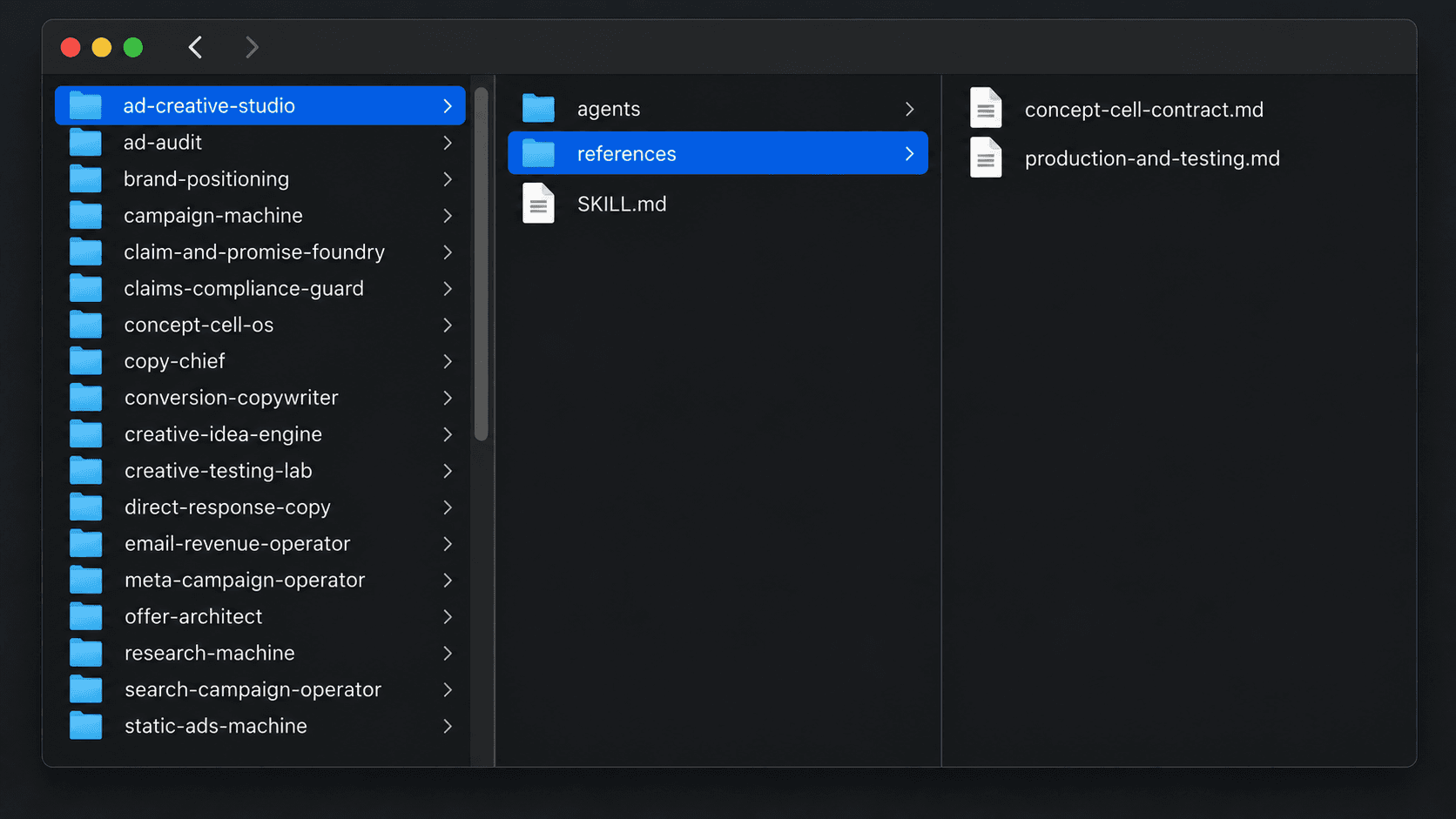
Inside the folder
The files stay together. Your AI knows where to look.
Download the playbook, open its folder, and you will see the instructions, setup files, and supporting references organized in one place.